YourBlindsShop

How to Measuring for Tier On Tier

Important Notes

Measure with confidence using our easy guide for perfectly fitting full-height shutters. Simple step-by-step instructions make your sizing effortless.

Step1

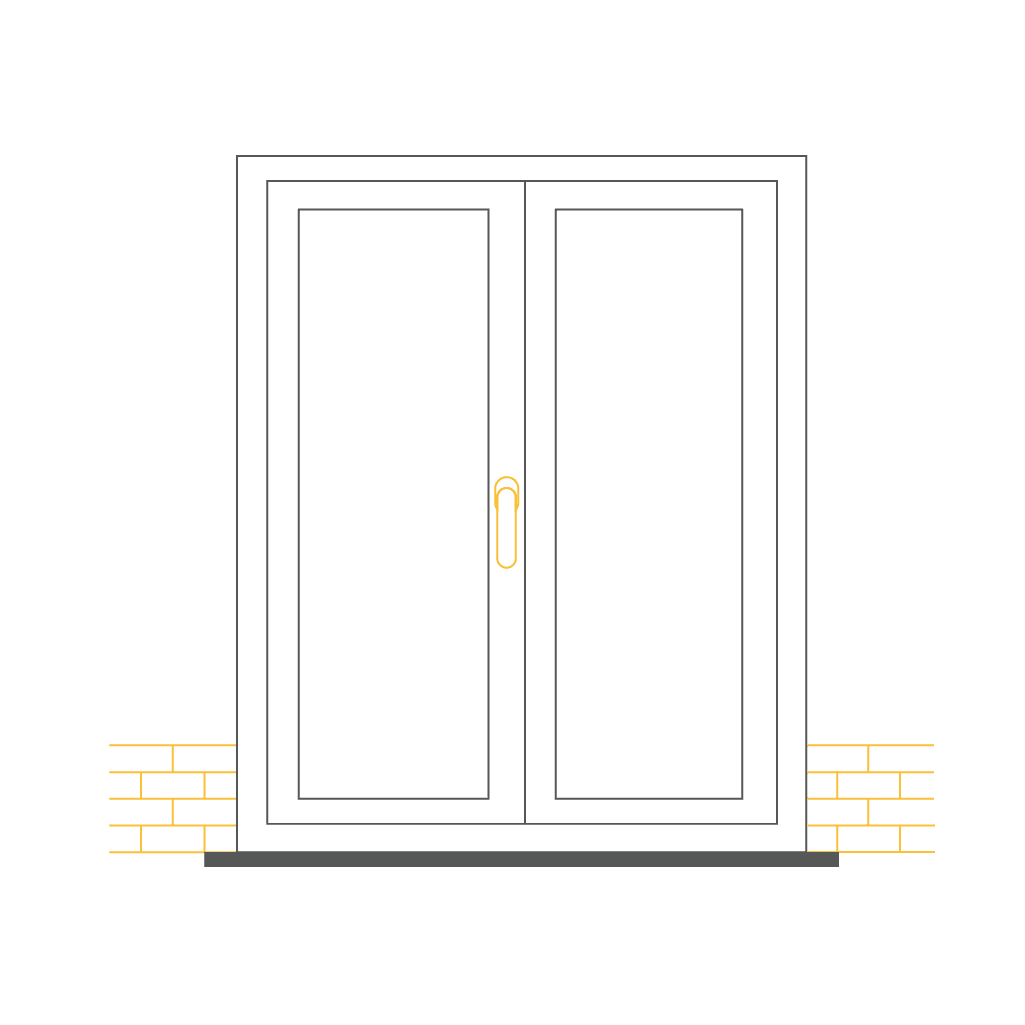
Sliding Door.

Important Information

Check for obstructions like window hardware, inward-opening doors, or existing architraves. The shutter style, frame selection, and blade size will impact the installation process.

*Please note that these measurements instructions are not suitable for bay windows

Step2

Adjustable Blinds.

Frames

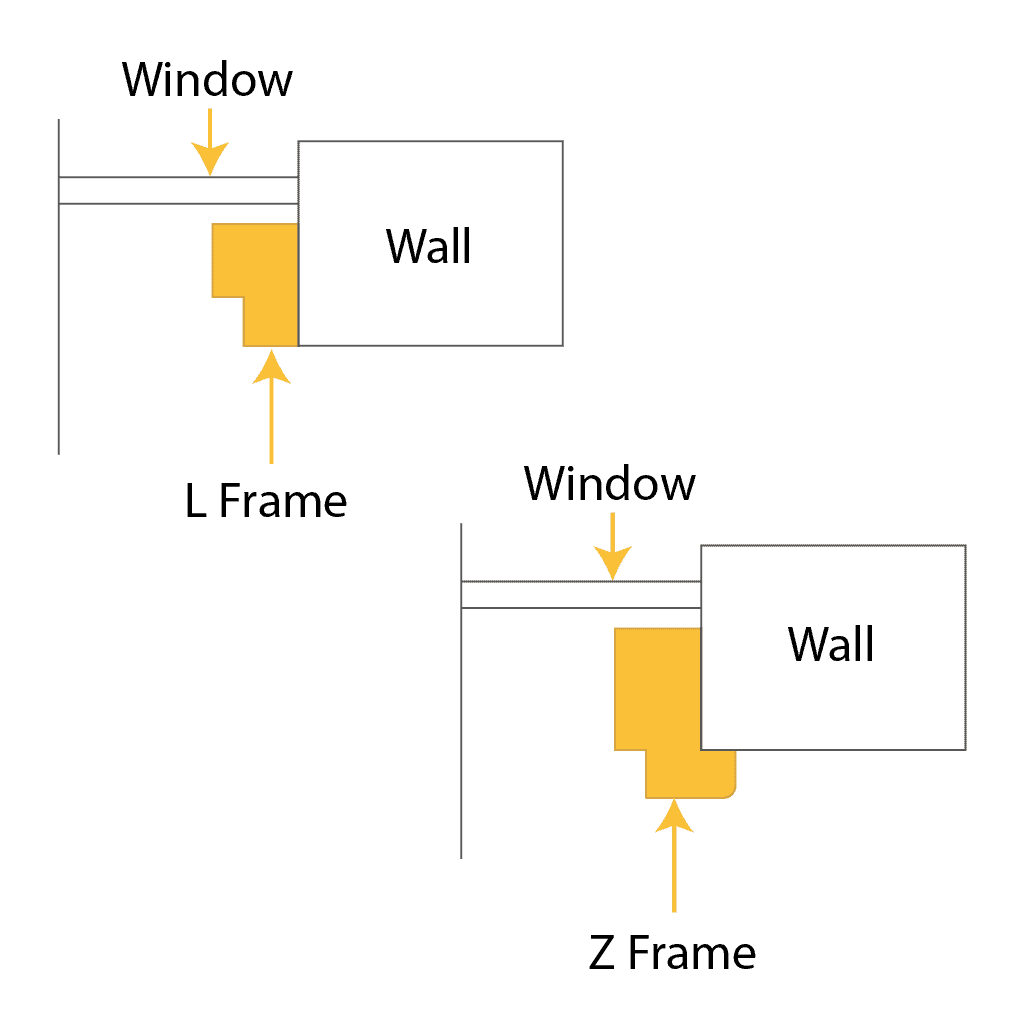
L Frames and Z Frames are suitable for inside recess.

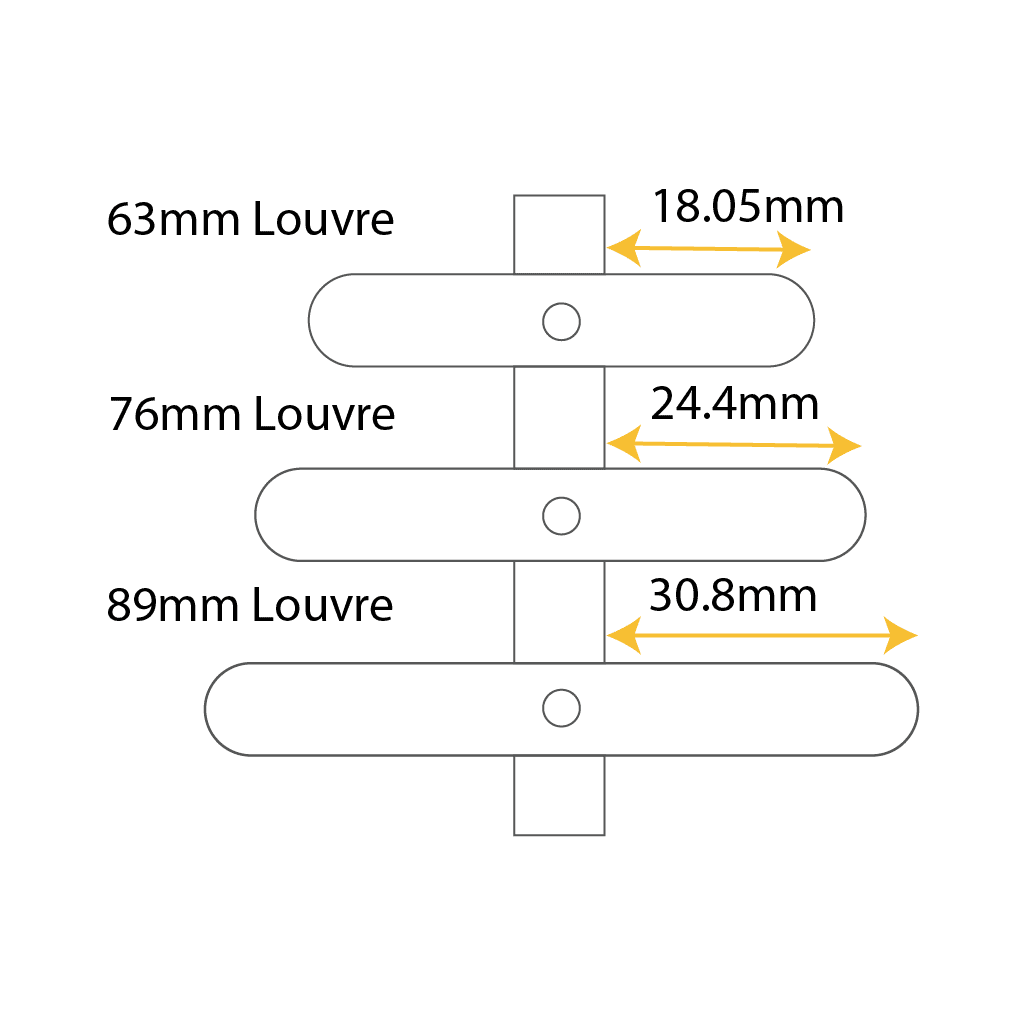
A standard frame has a depth of 49.8mm, ensuring that 63mm blades remain flush within the frame without protruding from the back.

Step3

Adjustable blind sla.

Check depth of reveal clearance

Minimum clearance for blade size are as follows:

Tier-On-Tier - Inside Recess - All window types

To mount the Shutter inside your window recess follow these instructions.

Step1

Adjustable window bl.

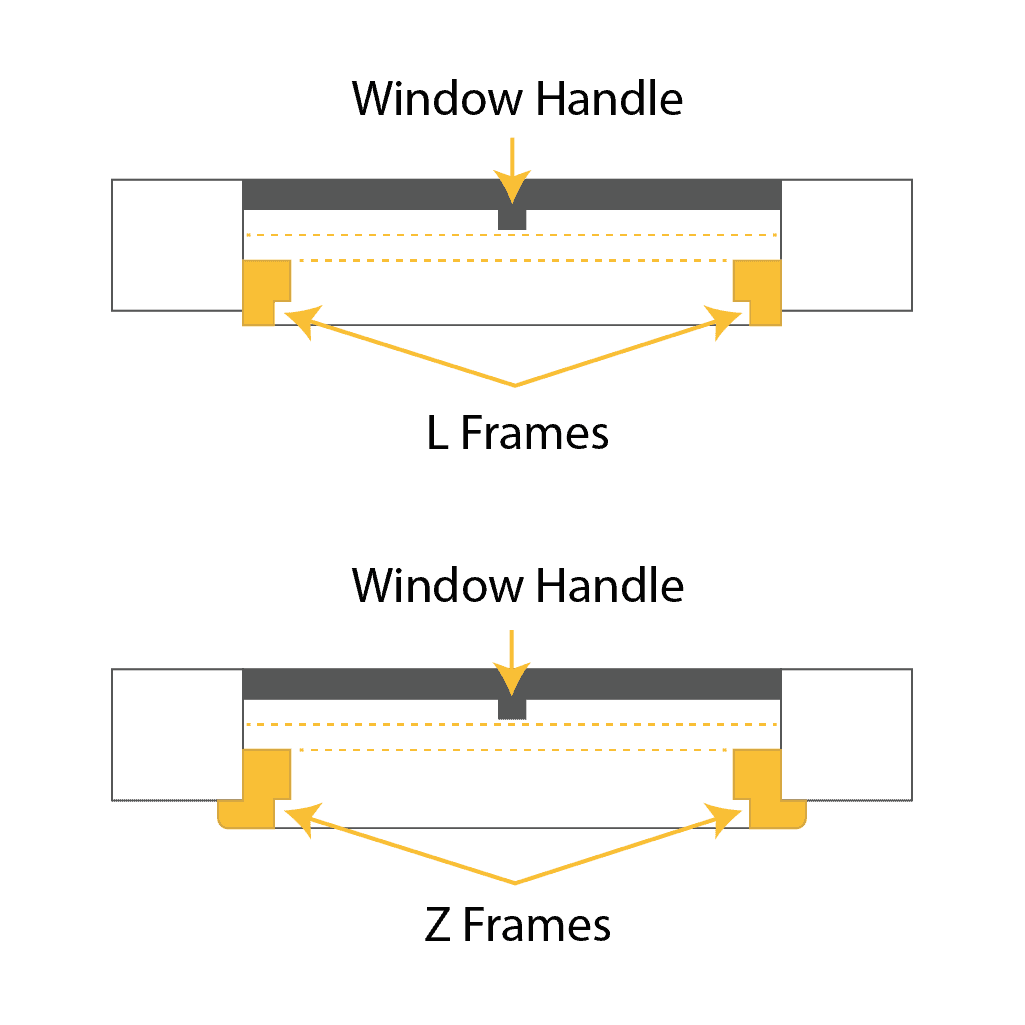
Check for handle obstructions

An inside mount displays the L-frame and Z-frame positions, ensuring the window remains unobstructed for smooth shutter operation.

Step2

Blackout blinds.

Measure the Width

Measure the width of your window recess at three points, take the smallest measurement, and subtract 5mm.

This is your width measurement.

Step3

Adjustable Blinds.

Check depth of reveal clearance

Measure the drop of your window recess at three points, use the smallest measurement, and subtract 5mm.
This is your drop measurement.

Step4

Blackout Blinds.

Enter your Measurements

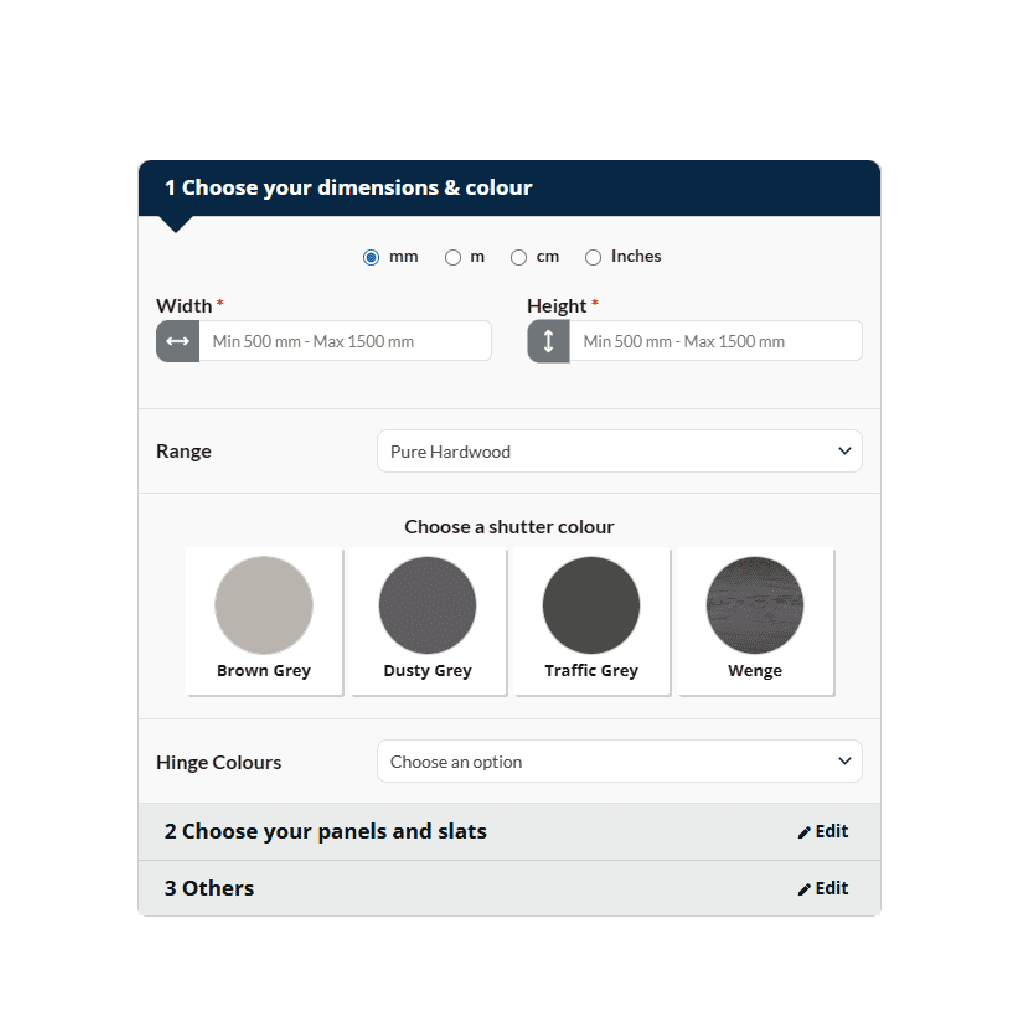
Go to your chosen product, enter your width and drop measurements.

Step5

Blackout Window Cove.

Measure the Width

Split height determines where the upper and lower panels of your Tier-on-Tier shutters separate.

By default, the system splits evenly from top to bottom, but you can adjust it to suit your needs, such as accommodating a sash rail
Customize Your Design

Customize Your Design

×

Generate a Theme with AI

Theme Colors

Indigo
Gold
Teal
Vivid blue
Navy
Dark

Custom Colors

Font Family

Logo Options

Send Enquiry

Have questions or need assistance? Fill out the form below.